> Settings walkthrough
Eleven surfaces, and most people need two or three of them. This is what each one is for.
Profile
Your name, your avatar, the details that appear on anything you share. Change it once and forget about it.
Preferences
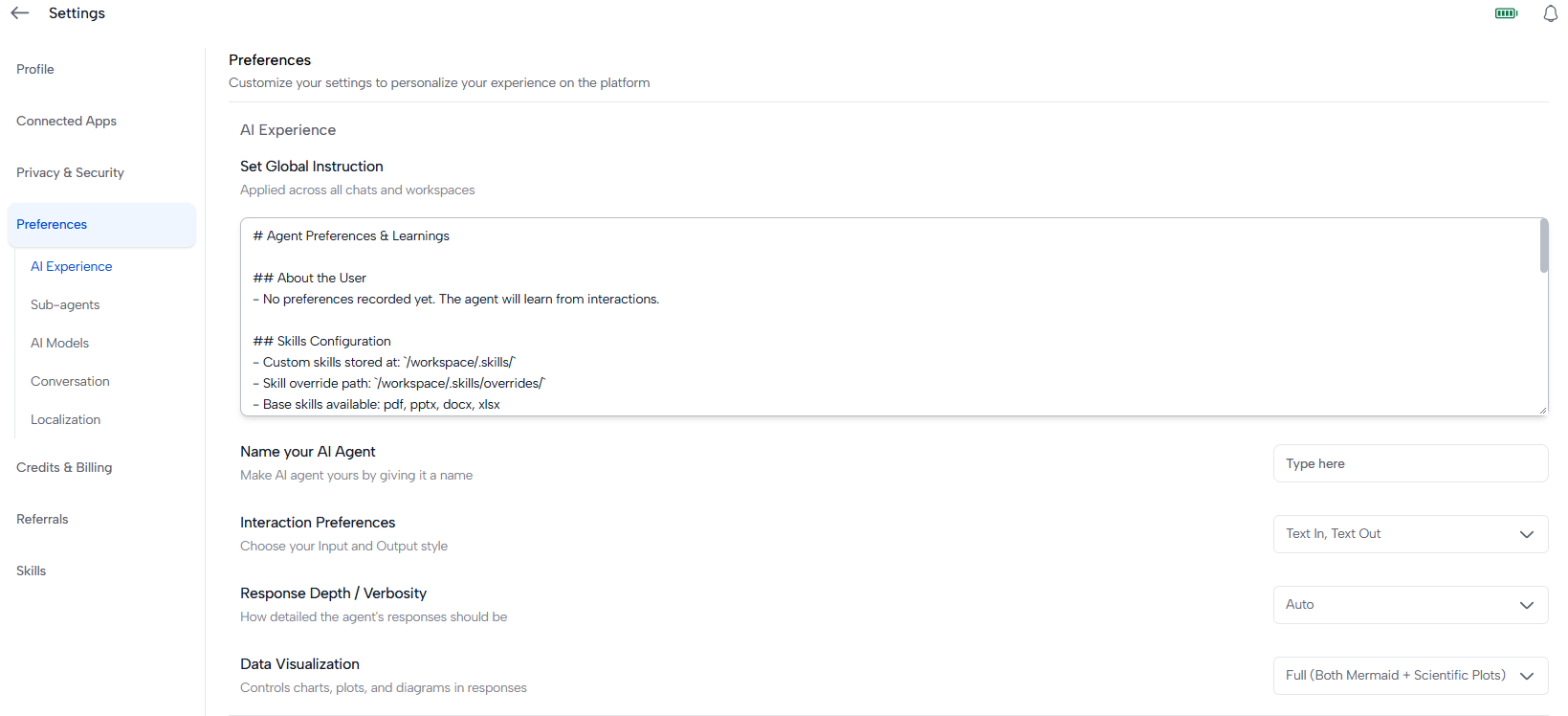
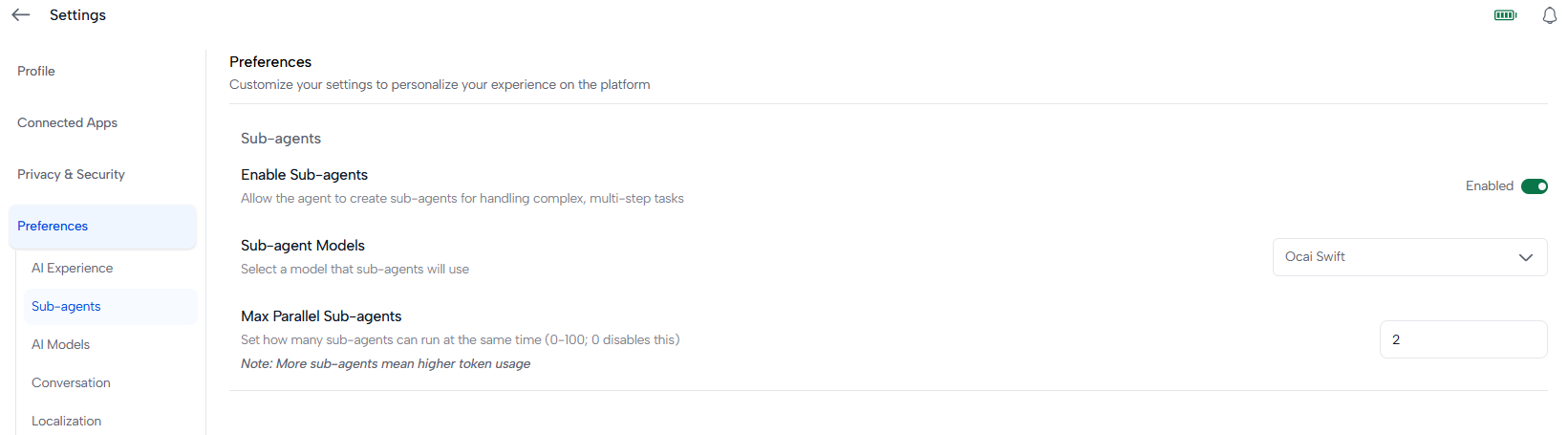
Your defaults: language, theme, and how Ocai behaves out of the box. This is the one to visit first. Most people who feel Ocai is slightly off are actually looking at a preference that was never set.
Security
Your password, two-factor authentication, and the devices signed in to your account. Turn on two-factor if you have not already, and check the device list whenever something feels wrong.
Skills
Everything you have written or collected: edit one, delete one, see what it does. The how-to is on the Skills page.
Subscription
Your plan and billing cycle. Change plan, or see when the next renewal lands.
Wallet
Your credit balance, what you have bought, and what you have spent. This is where you add credits. The mechanics are on the Credits page.
Connected Apps
The external tools Ocai can use on your behalf, including the ones that run inside the sandbox on your own machine. Manage what is connected, and remove anything you no longer use. See Desktop sandbox.
Asset Management
Your stored files and how much room they take. The place to look when you are wondering where something went.
Desktop App
Installing the desktop app, and signing in on your machine. Installing it puts a sandbox on your laptop, which is what lets connected apps run locally. See Desktop sandbox.
User Management
Team accounts: who is in your team, what they can reach, and how to add or remove them. If you are working alone, there is nothing to do here.
Referrals
Invite people and earn credits when they join. Worth setting up once and forgetting about.
If you only do one thing
Set your preferences, then turn on two-factor in Security. Everything else can wait until you need it.